.jpg)
Not every property needs the same payment setup. Some hosts want full online payments, while others prefer simple bank transfers or even cash at check-in.
Pingotel supports several payment workflows, so you can choose the one that fits your business model.
Below are the most common ways Pingotel users accept payments from their guests.
1. Payment by bank transfer
In this setup, guests complete their reservation without paying during the booking process.
After the booking is confirmed, Pingotel automatically sends a confirmation email that includes instructions for a bank transfer and a payment deadline.
This method is especially common in Europe because IBAN transfers are typically free or very low cost. It also avoids card processor fees.

This workflow works best when:
- You have low booking volume
- Each booking has a high value
- Guests are comfortable paying by bank transfer
It is often used by luxury villas, private holiday homes, and boutique rentals.
2. Deposit after booking
Another popular option is to request a deposit after the booking and collect the remaining balance later.
The confirmation email can include instructions like:
- Pay 30% deposit by bank transfer within 48 hours
- Remaining balance due 30 days before check-in
This approach gives hosts security while still keeping the booking process simple.
Why many hosts prefer this:
- Reduces no-shows
- Secures serious bookings
- Keeps payment processing fees low
A 30-day payments deadline before check-in is commonly used for the final payment.
3. Cash payment at check-In
Some Pingotel hosts prefer to collect payment when the guest arrives.
In this setup:
- Guest books without paying
- Payment is collected in cash at check-in
However, relying only on cash can increase the risk of no-shows.
For that reason, many hosts combine this with a small deposit via bank transfer after booking or a deposit by an online payment.
Typical setup:
- Small deposit to secure the reservation
- Remaining balance paid in cash on arrival
This approach works well for:
- Small guesthouses
- Campsites
- Family-run accommodations
4. Stripe payment links
If you want to accept online payments but still review bookings before charging guests, Stripe payment links can be a good option.
The process looks like this:
- Guest submits booking request
- Host reviews the booking
- Host sends a Stripe payment link
- Guest completes payment online
This gives hosts more control while still offering guests the convenience of paying by card.
This workflow is often used when hosts want to:
- Manually approve bookings
- Verify guest details first
- Avoid automatic instant payments
5. Pingotel payments (powered by Stripe)
For hosts who want a fully automated setup, Pingotel also offers integrated payments powered by Stripe.
Once activated, guests can pay directly during the booking process using a credit or debit card.
Setting it up is simple:
- Create a Stripe account (takes a few minutes)
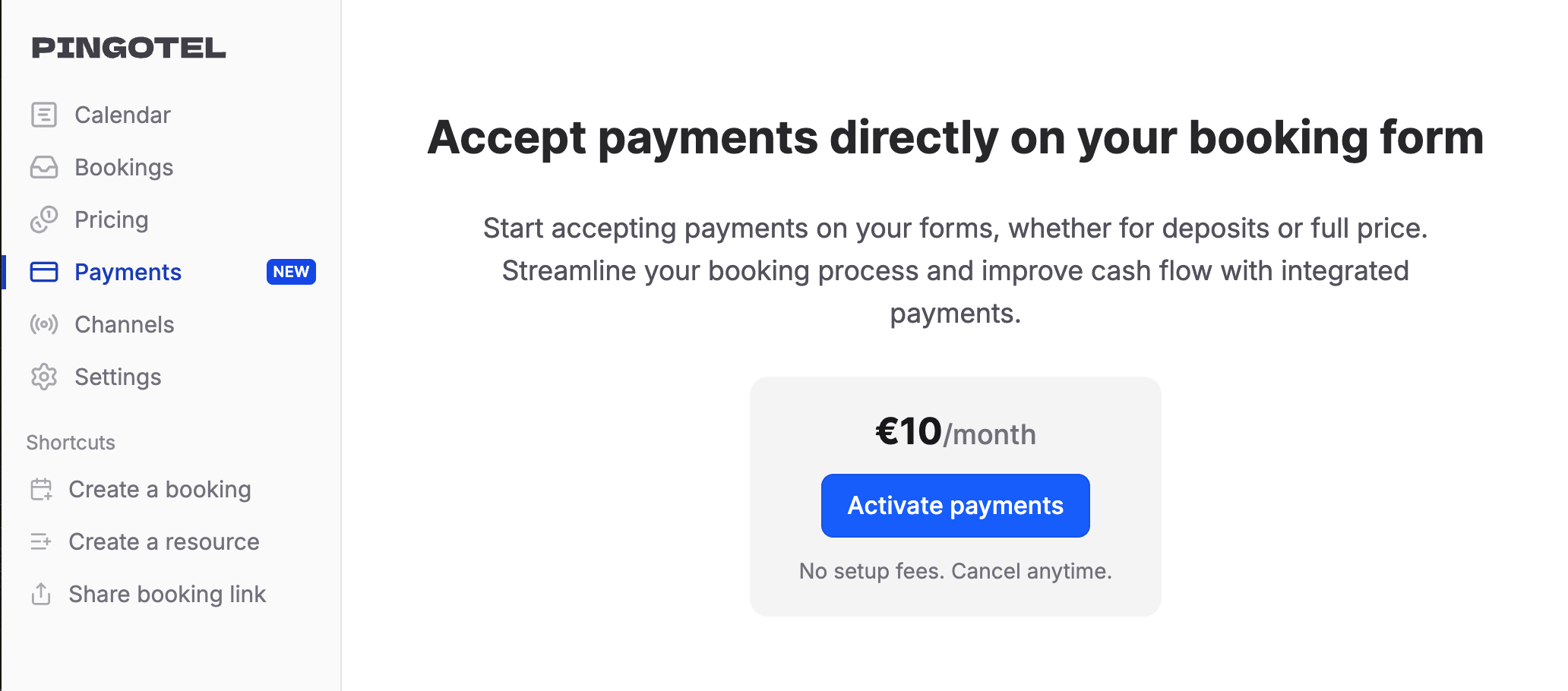
- Activate payments in Pingotel
- Start accepting payments automatically
Why is this option popular:
- Zero Setup Costs - There are no implementation fees and no cancellation fees. You can start processing payments instantly without any upfront investment.
- Streamlined Booking Flow - Allowing guests to pay directly during booking significantly increases conversion rates compared to sending them to external payment pages later.
- Fast Payouts - Stripe enables quick access to your funds, helping improve cash flow for small hospitality businesses.
Pingotel charges a small monthly fee to activate payments, but we do not take any commission on your transactions.
This makes it a good option for hosts who want a clean, professional booking experience without extra complexity.
Choosing the right payment setup
There is no single “best” payment workflow. It depends on your property type and how you manage bookings.
Many Pingotel hosts start with bank transfers and deposits, and later switch to Stripe payments once booking volume grows.
The important thing is that Pingotel gives you the flexibility to run your business the way you prefer.
---
Author: Peter Fabor
Peter is the founder of Pingotel and a hospitality entrepreneur with 15+ years of experience building niche hospitality businesses. He writes about booking software, small hotel operations, coliving, and practical tech for independent hospitality operators.